
Actually free · No subscription
Create a professional CV that's actually free.
Polished templates, a live preview and a PDF or Word download without paying a thing. No sign-up and no fees that renew on their own.
Already have a CV? Check its ATS score for free- No sign-up, no card
- Free PDF and Word
- 21 professional templates
- €0to create and download your CV
- No sign-upand no card to get started
- PDF & Wordreal, editable downloads
- 14 daysmoney-back guarantee on paid extras
Reviews on Trustpilot
What job seekers say
Real, unprompted reviews left by users on Trustpilot.
A fast, intuitive platform with an elegant format — you can switch between different themes. Really good, and free.
Finally found a CV maker that doesn't have a magical final paywall! Did my resume in 5 minutes with no charges. The smoothest experience I've had with one of these tools.
Really good app. Super complete and easy to use, I recommend it 100% 🔥
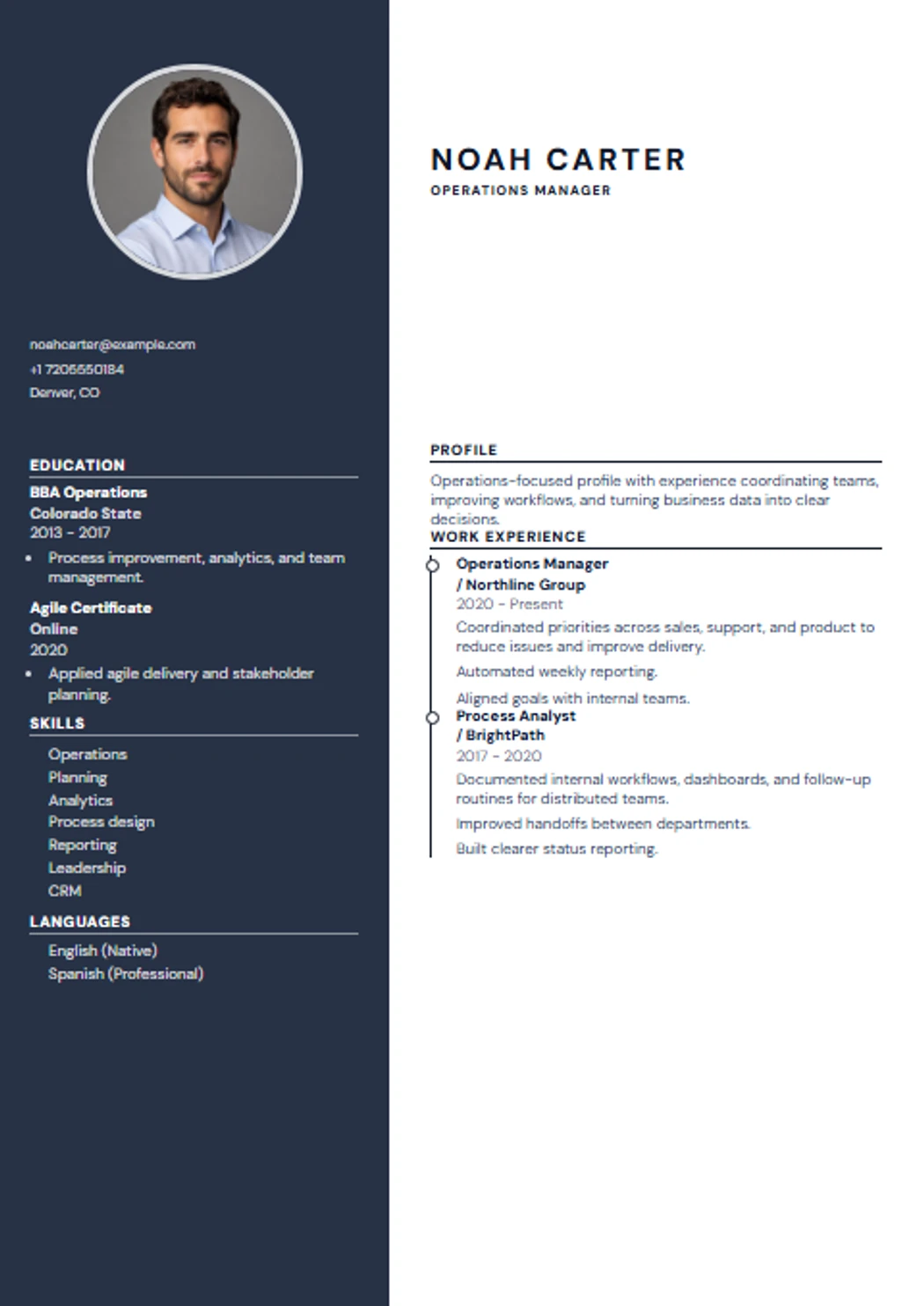
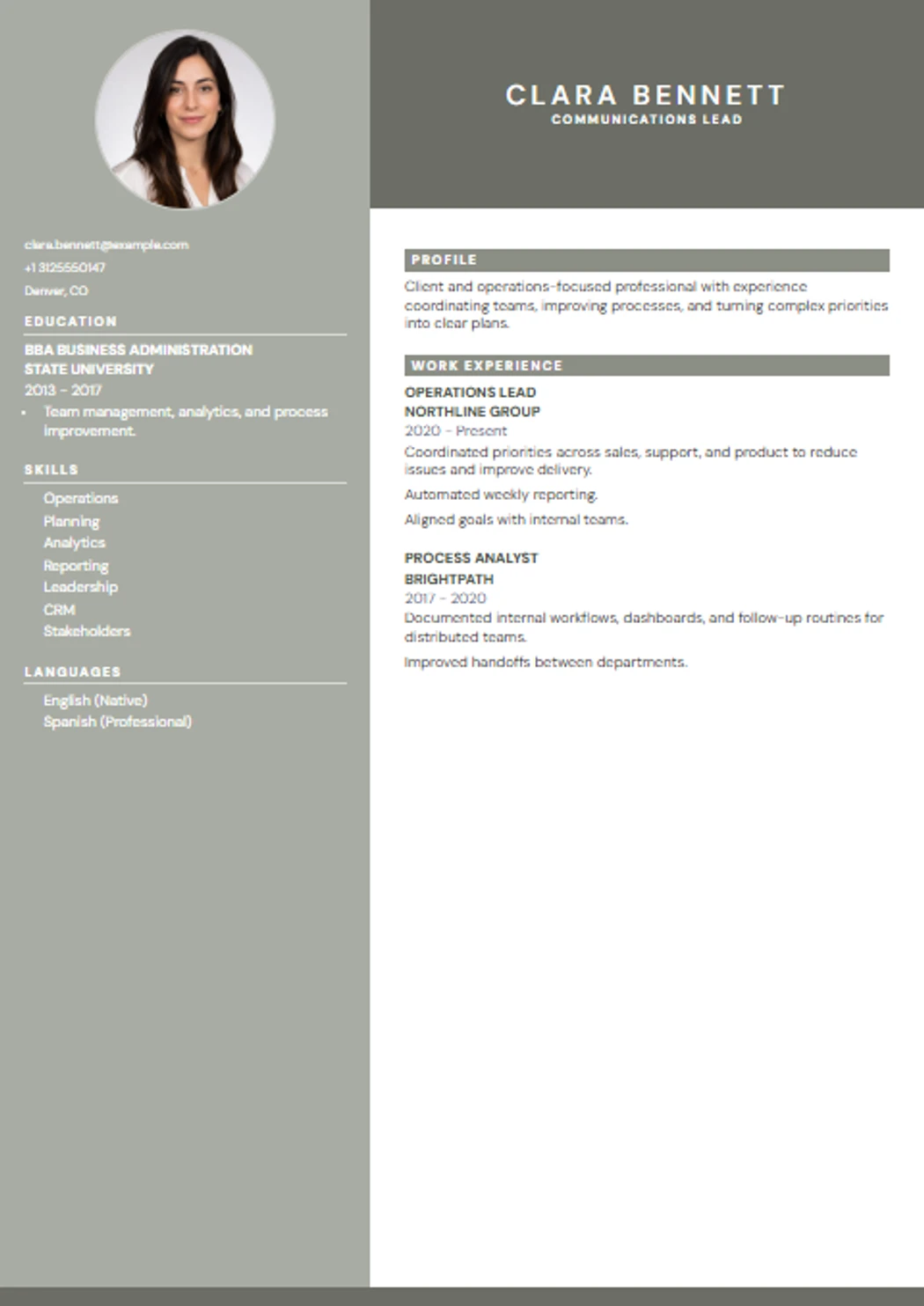
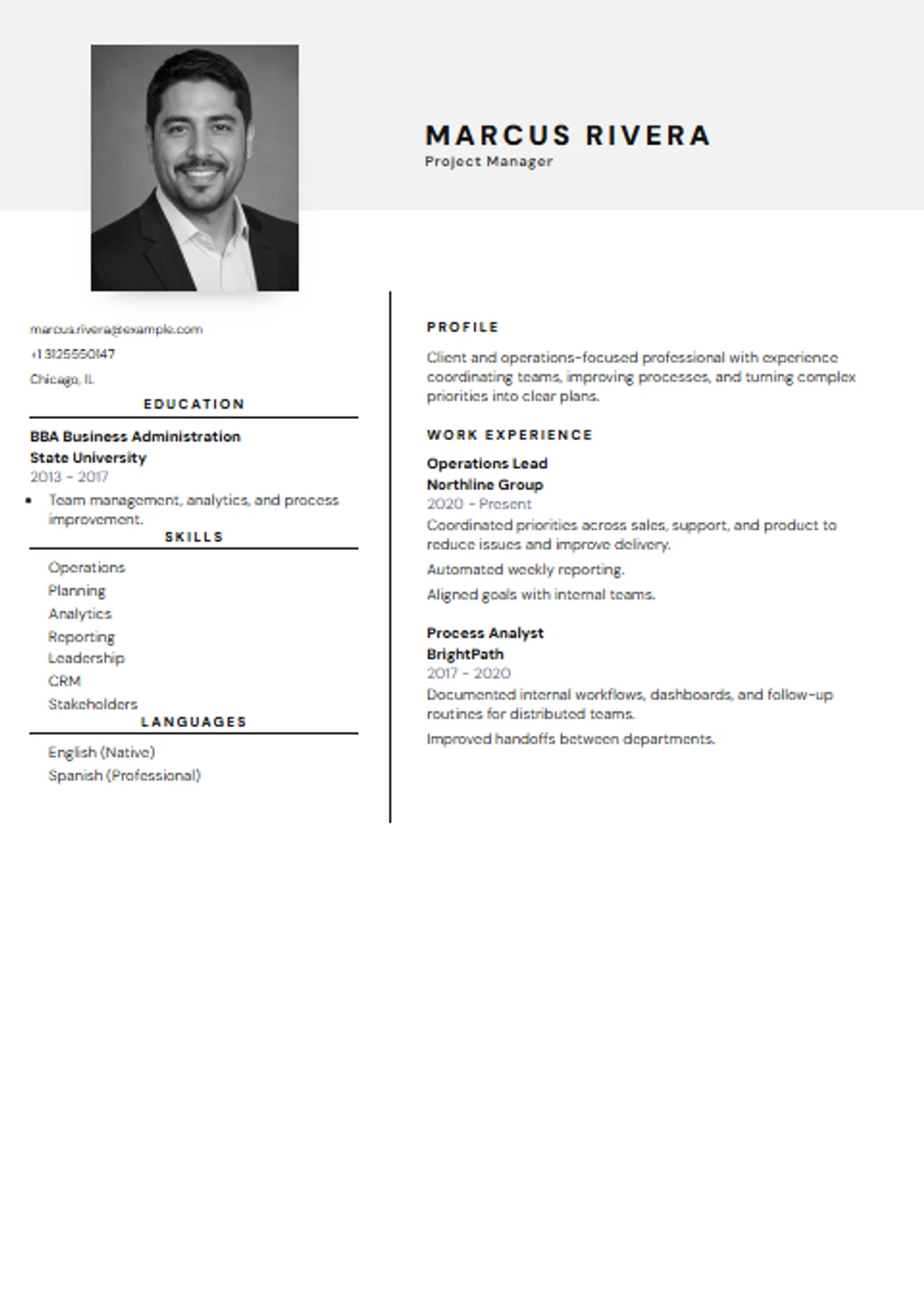
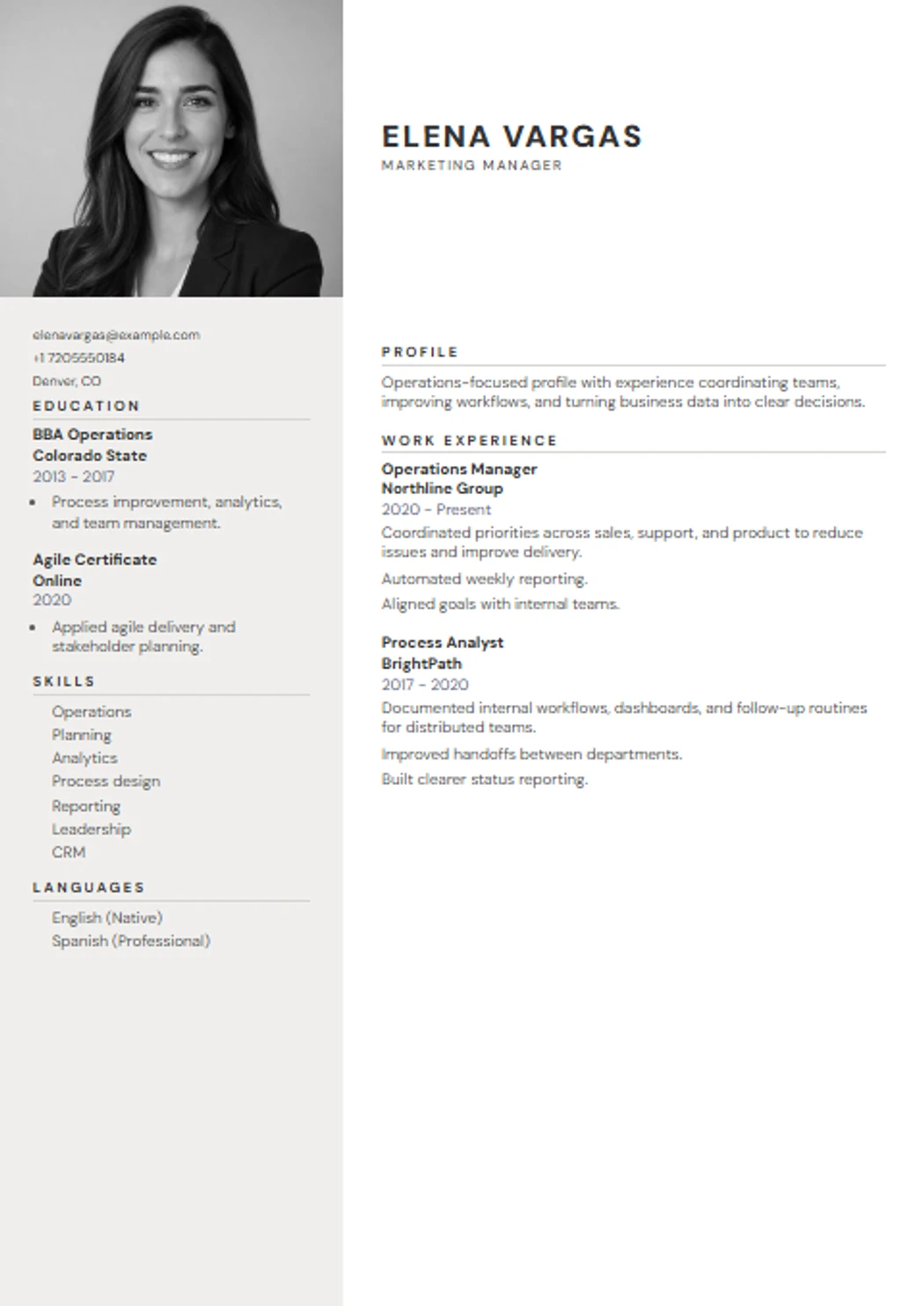
Clean templates for real job seekers.
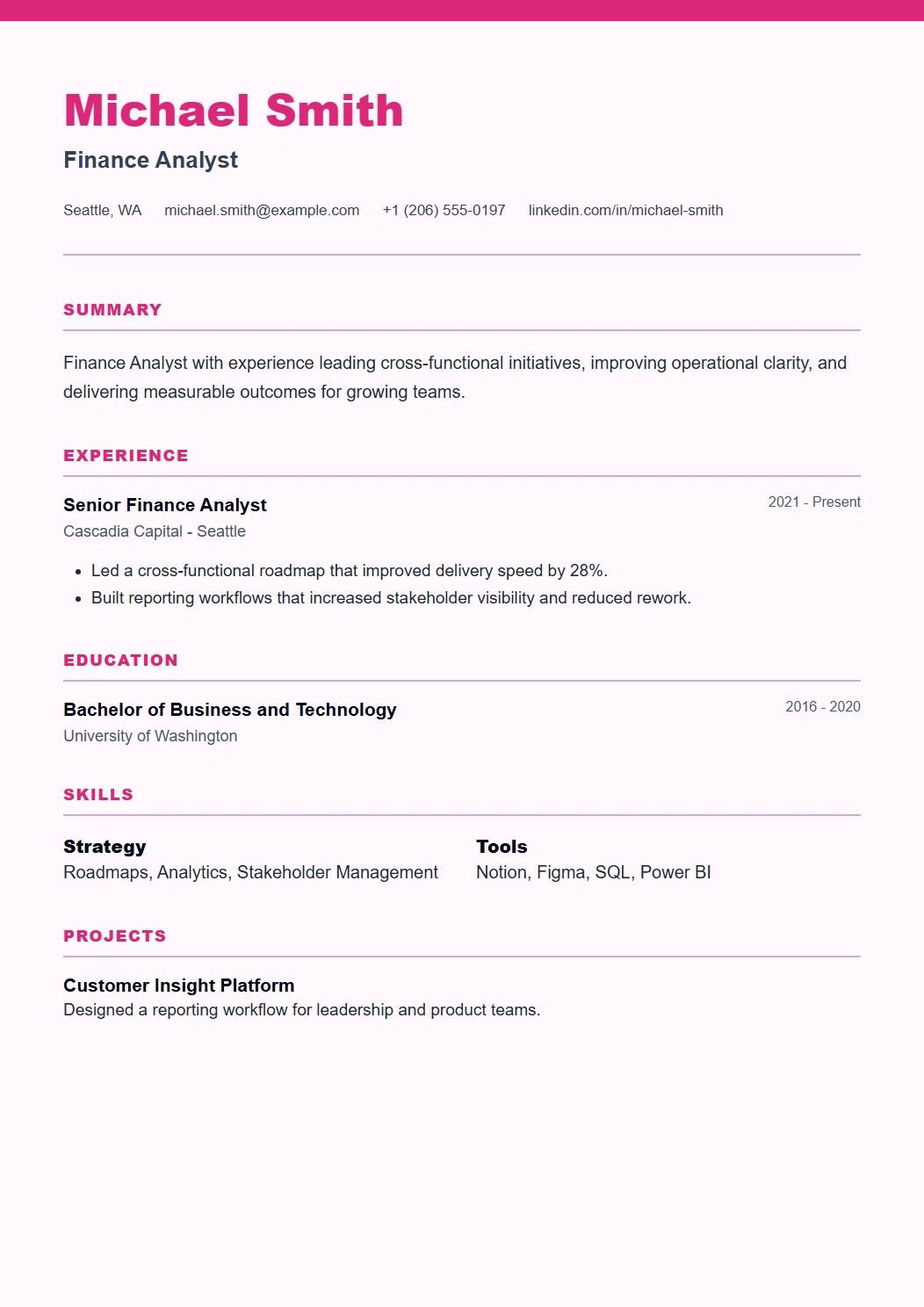
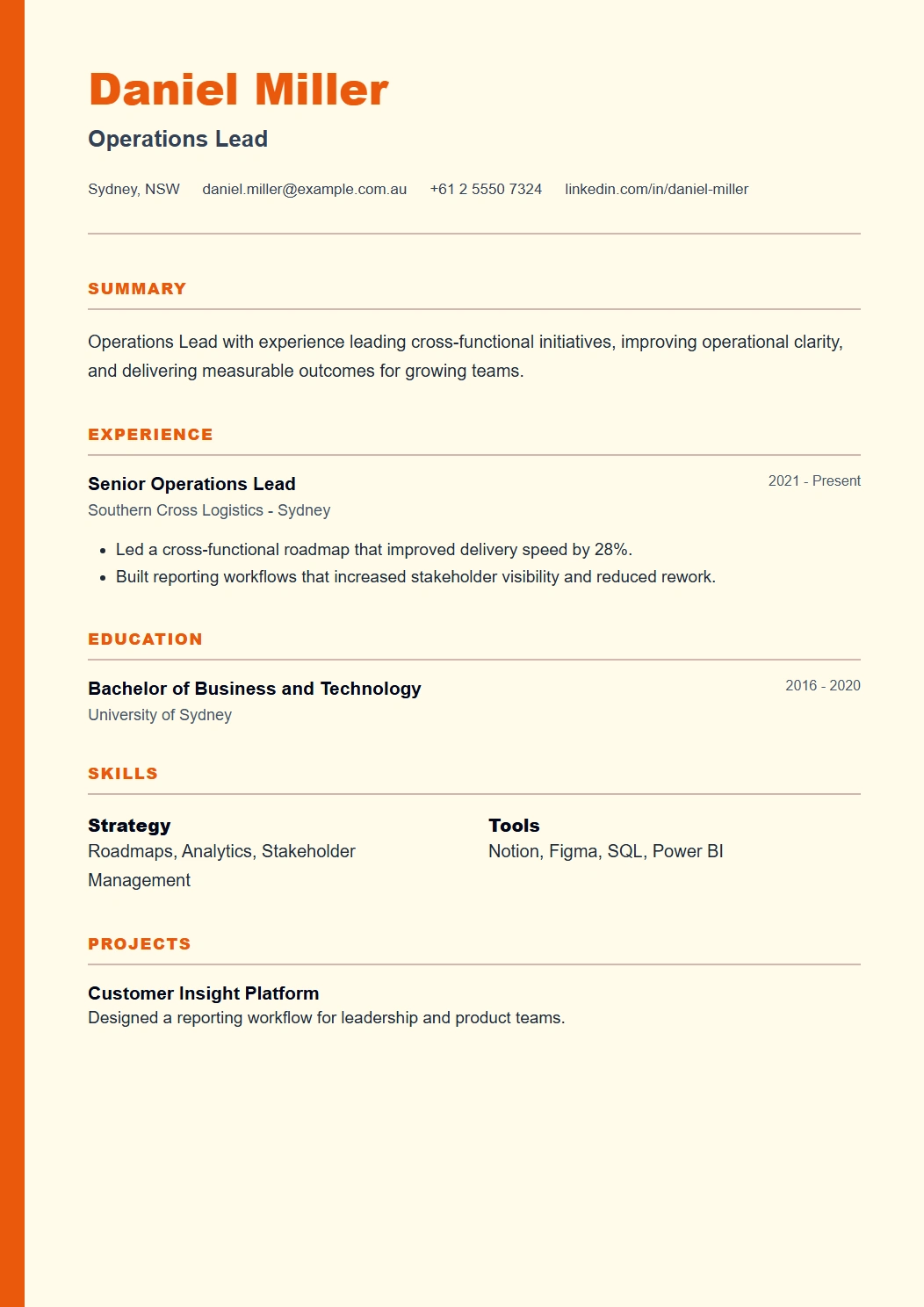
The template library is organized around readability, clean spacing, and sections that recruiters can scan quickly.
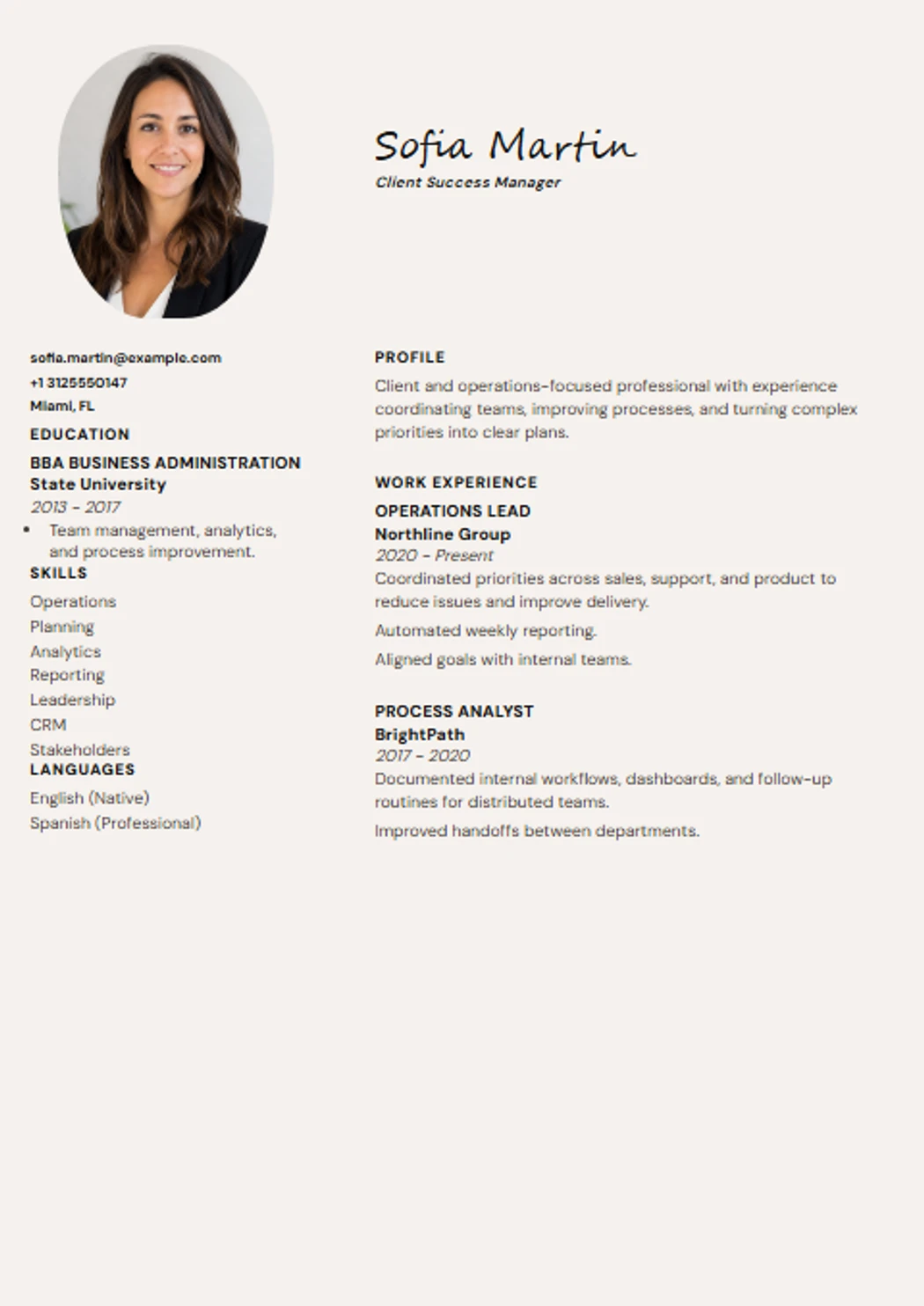
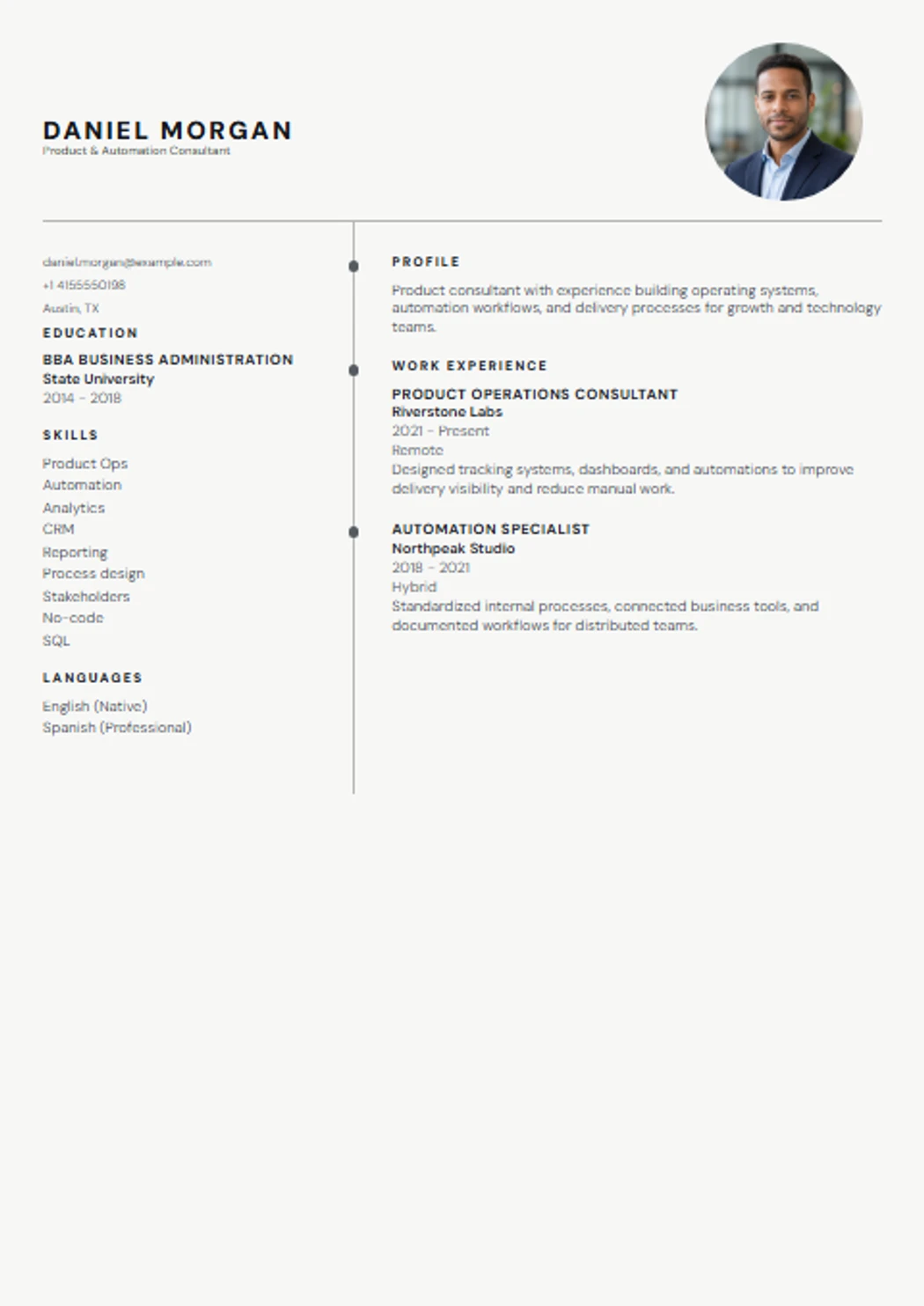
Your CV ready in three steps.
No sign-up, and you see the result as you type.
01
Choose a template
With or without a photo, one or two columns, for your field and experience.
02
Fill in your details
With examples and suggestions, or let AI write it for you if you prefer.
03
Download as PDF or Word
A PDF true to the template, or a Word file to keep editing. Free.
Tailor to a job
Tailor your CV to every job before you send it.
Paste the job ad from LinkedIn, Indeed or the company site. We show what it asks for that your CV already covers, and what is missing.
- Free analysis
Comparing the job ad with your CV costs nothing.
- AI tailoring, nothing made up
Rewrites your summary and achievements in the job's words, using only what your CV already says. 1 credit.
- Cover letter
A letter for that job, ready to edit and download in Word. 1 credit.
Try it with a job ad
Credits start at €1.99 for 3, with no subscription.
ExampleJob: Restaurant Floor Manager · Valencia
- Team leadership experience
- POS and cash-up
- English B2
- Booking management
- Driving licence
- Allergen training
Your CV covers 4 of 6 requirements67%
If you have what is missing, add it. If not, don't make it up.
Built for job seekers, not for upsells.
No fake promises: just the tools a real job search needs.
ATS-readable structure
Standard sections and real text, so applicant tracking systems and recruiters can read it without trouble.
Writing help
Examples and suggestions to turn your duties into clear, measurable achievements.
Your data, your control
Your draft is saved in your browser. It is only stored in your account if you sign in.
Optional, honest AI
Built to rewrite what you tell it, not to make up experience or qualifications.
A stronger CV improves your chances - no tool can promise interviews or job offers.
Our editorial standard
CV Creatives keeps the advice practical: clear sections, honest wording, ATS-readable structure, and examples you can adapt without inventing experience. We avoid claims that a template can guarantee interviews, recruiter replies, or job offers.
Guidance pages are written for real job-search decisions, then linked back to the builder so you can turn the advice into a document instead of reading generic tips forever.
Free means free. Paid extras are clear from the start.
Many CV builders let you design for free and charge you to download, or sign you up for a monthly fee. Here the download is free and you only pay, if you want to, for AI.
Free
€0always
- Full editor with a live preview
- All 21 templates, with or without a photo
- PDF and Word downloads
- Job ad analysis and ATS check
- No sign-up: your draft is saved in your browser
Optional AI
from €1.99one-off payment, no subscription
- Full CV written with AI: €1.99
- Improve a CV you already have: €1.99
- Tailor to a job or write the cover letter: 1 credit
- AI headshots: 1 credit = 2 photos
- Credits: 3 for €1.99 · 8 for €3.99 · 20 for €7.99
- Secure payment with Stripe
- 14-day money-back guarantee
- No fees, no renewals
Good to know before you start.
Is it really free? What costs money?
Yes. Creating, editing and downloading your CV with the editor is free and needs no account. Only the AI features are paid: one-time payments from €1.99, shown before you use them, with no subscription and a 14-day money-back guarantee.
Can I download my CV in Word?
Yes. Besides the PDF, you can download it for free as a Word file (.docx) in your template's colours, to keep editing it in Word, Google Docs or LibreOffice.
What happens to my data?
You don't need an account to create and download your CV: your draft is saved in your browser. If you sign in, your CVs are saved to your account so you can come back to them. Payments are processed by Stripe and we never see your card details.
How do you write a good resume?
A strong resume organizes your contact info, a short summary, work experience in reverse-chronological order, education, and skills into clear, scannable sections. Lead with measurable achievements instead of generic task descriptions, and keep the layout clean enough for both a recruiter and an ATS to read it easily.
What skills should I put on my resume?
Mix hard skills specific to your field, such as a tool, language, or technical ability, with soft skills like communication or teamwork. The most effective approach is tailoring this section to each job posting and prioritizing whatever the listing actually asks for.
How long should a resume be?
One page is enough for most profiles. If you have 10+ years of relevant experience or an extensive academic background, two pages can be justified, but avoid padding it just to fill space.
How do I write a professional summary?
A professional summary is 2-3 sentences at the top of your resume highlighting your role, years of experience, and a key achievement or specialty. It should be tailored to each job, not a generic paragraph you reuse everywhere.
How do I write a resume with no experience?
Lead with your education, academic projects, internships, or volunteer work that show transferable skills like teamwork or problem-solving. A focused professional summary can help offset the lack of experience by highlighting your motivation and what you do bring.
Do I need a cover letter with my resume?
It is not always required, but it often makes a real difference: it lets you explain why you want the role and connect your background to what the employer is looking for, something a resume alone cannot fully convey.
What is the difference between a CV and a resume?
A CV is typically longer and more detailed, common in academic settings. A resume is a shorter, role-specific summary and the standard format in the US job market. CV Creatives supports both formats.
Latest CV and resume guides.
Practical advice for shaping a clearer application before you send it.
How to Write a Resume: A Step-by-Step Guide
Learn how to write a resume that passes ATS scans and impresses hiring managers, with section-by-section examples, formatting rules, and a bullet-point formula.
What Skills to Put on a Resume (With Examples by Industry)
Learn which skills to put on a resume, how to split hard vs soft skills, and see real examples by industry - including what to list with no experience.
Registered Nurse Resume Example: Templates, Skills, and Tips for Every Career Stage
A complete registered nurse resume example with real bullet points, plus tips for new grad nurses, LPNs, and CNAs. Includes the skills ATS systems scan for.
Your next application starts with a clear CV.
Put it together in a few minutes, download it for free and tailor it to each job when you need to.